 blog
blog
Best Meal Planning Apps 2026: 7 Top Picks Tested
Table of Contents
- How We Tested the Best Meal Planning Apps in 2026
- Quick Comparison: Best Meal Planning Apps 2026
- Best Meal Planning Apps for Families
- Free Meal Planning Apps: What You Get and What You Don't
- Budget Meal Planning Apps That Cut Grocery Spending
- Choosing a Meal Planning App with Grocery List Features
- Privacy, Accessibility, and Long-Term Adherence
- Conclusion: Which Meal Planning App Fits Your Household?
- Frequently Asked Questions
Last Updated: October 19, 2026
How We Tested the Best Meal Planning Apps in 2026
Finding the best meal planning apps in 2026 starts with one question: does the app reduce weeknight stress, or just move the work elsewhere?

Meal planning apps are digital tools that help households choose recipes, build a weekly dinner plan, and generate organized shopping lists from that plan. We scored every app on five fixed criteria rather than marketing claims.
Our Hands-On Testing Methodology
Every app went through the same five-part test:
- Plan build time: minutes to assemble a full seven-day dinner plan from scratch
- Recipe discovery: whether suggestions matched stated dietary preferences without manual filtering
- Grocery list accuracy: whether the list captured every ingredient, including pantry staples
Quick Comparison: Best Meal Planning Apps 2026
No single app wins every category. The table maps each use case to the app type that handles it best.
| Use Case | What to Prioritize | Watch Out For |
|---|---|---|
| Family meal planning | Shared lists, calendar sync, kid-friendly recipes | Per-seat pricing that adds up |
| Tight grocery budget | Price comparison, pantry tracking | Free tiers that cap saved recipes |
| Recipe discovery | Large searchable recipe collection | Cluttered interfaces that slow planning |
| Weekly routine | Fast plan building, repeatable templates | Rigid plans with no swap option |
| Reducing food waste | Ingredient reuse, leftovers scheduling | Lists that ignore what you already own |
The pattern across all seven apps: the strongest tool matches how your household already shops and cooks. A huge recipe library loses to a simpler app that builds your list faster.
Best Meal Planning Apps for Families
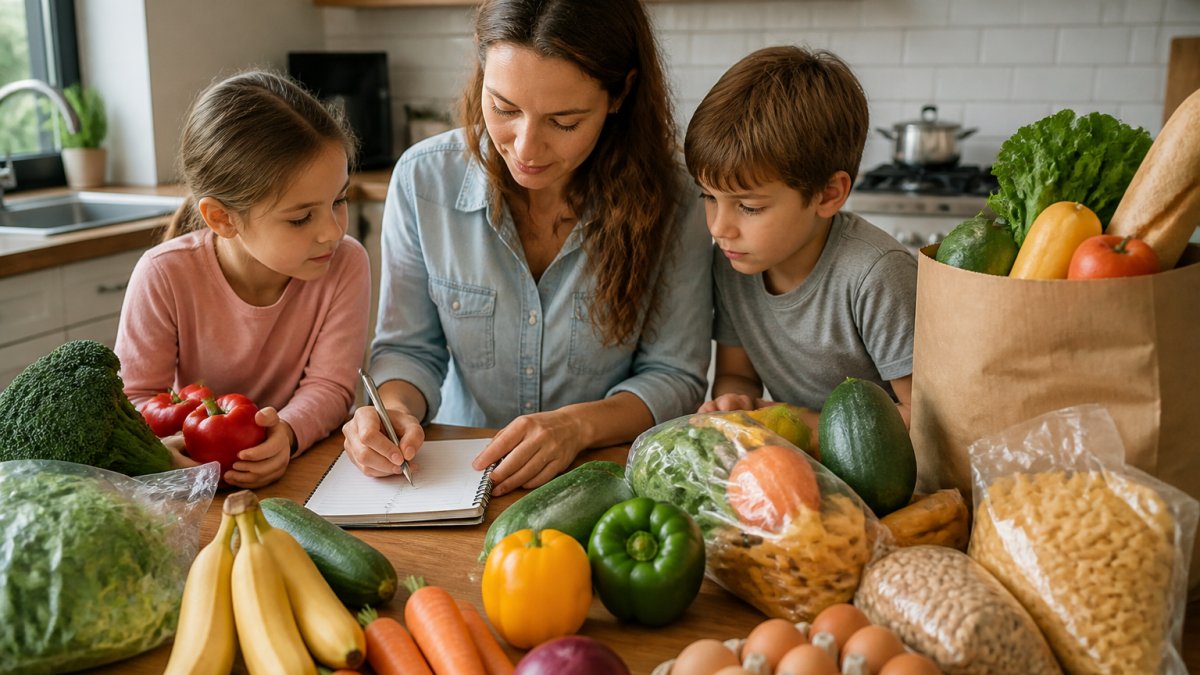
Family meal planning breaks most apps, because most are built for one person. The best meal planning apps for families handle shared lists, multiple dietary restrictions, and picky eaters, letting one person plan while another shops from the same live list.
Three features separate the family-friendly apps from the rest:
- Household collaboration: more than one person can view and edit the plan and shopping list
- Dietary flexibility: individual recipes can be swapped without rebuilding the week
- Serving size scaling: portions adjust for the actual number of people eating
A common mistake is choosing an app on recipe collection alone. A large library means nothing if the app cannot scale a recipe for four or flag an allergen someone in the house avoids.
Free Meal Planning Apps: What You Get and What You Don't
Free meal planning apps are genuinely useful, but the free tier is a trial, not a permanent home. Free versions cover the basics, a weekly plan view, a limited recipe collection, a basic shopping list, and hold back the features that make planning faster over time. The real gap is how much manual correction the app demands once the novelty wears off.
What typically sits behind the paywall:
- Recipe imports and saved collections beyond a small cap. Most free tiers allow a handful of saves or URL imports before locking the feature, the cap you will hit first if you cook from screenshots and bookmarks today.
- Automated or AI-assisted planning that builds a week around your preferences. Free versions usually let you browse suggestions but not generate a full seven-day plan in one pass.
- Pantry tracking that subtracts what you already own from the list. This is the single feature most likely to be paid-only, and it is also the one that most directly reduces grocery spending.
How to Read the Price Tag
Subscription pricing is usually quoted per month or per year, and annual is almost always cheaper per month. Convert both to the same billing period before comparing. Three pricing patterns show up repeatedly:
- Free with a paid upgrade. The free tier is permanent but capped; the paid tier unlocks imports, AI planning, and pantry features.
- Free trial, then subscription. Trials are often a week or two and may require a card up front. Set a calendar reminder for the day before it ends, because cancellation windows are short and easy to miss.
- Household or family plan. Some apps charge per seat, so the advertised price is for one person and the real cost for a couple or family is higher. Ask whether the plan covers the whole household before comparing it to a single-user app.
The Free-Tier Test That Actually Predicts Value
Run one full week in the free version before paying. Build seven dinners, generate the list, shop from it once, then ask: How many items did you add manually because the app did not know your pantry?
If the free week saved you time, evaluate the paid tier on the same terms. If it felt like extra work, the paid version will too, the paywall unlocks speed, not a different workflow.
Budget Meal Planning Apps That Cut Grocery Spending
Budget meal planning apps earn their keep by attacking food waste, not by promising coupons. The apps that helped most planned around ingredients that appear in multiple meals, so a bunch of cilantro or a bag of rice gets used up instead of forgotten.
Three features do the heavy lifting:
- Pantry tracking: an ingredient inventory that the app checks before adding items to your list
- Ingredient reuse: recipe suggestions that deliberately overlap ingredients across the week
- Price comparison and retailer integration: some apps connect to online checkout, though coverage varies by store and region
Plan for leftovers on purpose. Apps that schedule a leftovers night or carry a batch cook into two dinners cut both spending and decision fatigue. For a structured starting point, our budget-friendly meal plans at Saltwater Mom Life are prep-focused.
Choosing a Meal Planning App with Grocery List Features
A meal planning app with a grocery list is only as good as the list it produces. Our test: generate a week of dinners, then check whether the list is organized the way the store is laid out. Apps that group by aisle or category cut shopping time noticeably; apps that dump ingredients in recipe order do not.
Look for these list features before committing:
- Category grouping so you are not bouncing between aisles
- Shared lists that update live for whoever is shopping
- Pantry awareness so you are not buying a third jar of cumin
Privacy, Accessibility, and Long-Term Adherence
The features that decide whether you still use an app in month six are rarely the ones in the demo. Long-term adherence comes down to plan flexibility: the best apps let you swap a single dinner without rebuilding the week, because a plan that cannot absorb a takeout night gets abandoned entirely. Flexibility is one of three factors competitors largely skip, and the three most likely to determine whether the app still fits your household a year from now.
Privacy: What Meal Planning Apps Actually Collect
Meal planning apps hold more household data than most people realize. A plan reveals what you eat, how many people you feed, what you avoid (allergens, restrictions, religious or ethical choices), and often what you already own.
Before you enter detailed health information, check three things in the app's privacy policy:
- What is collected and why. Look for a plain-language list of data categories, account details, dietary preferences, shopping history, device identifiers, and whether each is required for the core feature or optional.
- Whether data is shared with third parties. Retailer integrations and grocery delivery partners necessarily receive your list, but that is different from advertising or analytics sharing. The policy should distinguish between the two.
- Whether you can delete your data. A real deletion path means an in-app control or a documented request process, not just an email address buried in a footer. If the policy does not say how long data is retained after deletion, treat that as a gap.
The FTC guidance on mobile app privacy explains what app privacy policies should disclose and what recourse consumers have when they do not.
Accessibility: Test Before You Commit
Accessibility gaps show up first in list and calendar views, the screens you use most in a store or at the counter. Run these checks during your free week:
- Text scaling. Turn your phone's text size up two steps and open a recipe and a shopping list. If text clips, overlaps, or forces horizontal scrolling, the app will be hard to use one-handed in a store aisle.
- Screen reader. If you rely on VoiceOver or TalkBack, navigate from a recipe to the generated list and confirm that each item is announced with its quantity and category. Unlabeled buttons and image-only icons are the most common failures.
- Contrast and touch targets. Check whether checkboxes and swap buttons are large enough to tap accurately while holding a cart or a child.
Long-Term Adherence: The Flexibility Test
Adherence is where most plans fail, and the fix is structural, not motivational. The apps that held up across four weeks shared three behaviors:
- Single-meal swaps. You can replace one dinner without regenerating the week or losing the rest of the plan.
- Leftover scheduling. The plan can carry a batch cook into a second dinner, which reduces both spending and decision fatigue.
- Serving-size changes that propagate. Adjusting portions for a guest or a night when someone is out should recalculate the list, not just the recipe card.
A plan that cannot absorb a takeout night gets abandoned entirely, and an app that forces a full rebuild after one change trains you to stop planning. For a practical framework on building routines that survive busy weeks, the American Academy of Pediatrics healthy living guidance offers family-oriented habits worth planning around, and the USDA MyPlate resources are useful for checking whether a week's plan covers basic nutrition goals.
Conclusion: Which Meal Planning App Fits Your Household?
The right app matches your household's actual bottleneck. If planning is the hard part, prioritize fast plan building and recipe discovery. If shopping and spending are the problem, prioritize pantry tracking and organized lists.
At Saltwater Mom Life, we built our prep-focused weekly guides around exactly that last problem: plans that assume real weeknights, with curated recipes and organized shopping lists that keep the week on track.
Frequently Asked Questions
Which meal planning app is best for families?
For families, look for household collaboration, shared grocery lists, and serving-size scaling. The best meal planning apps for families let multiple people view the weekly plan and add items to a shared list. Prioritize apps that handle dietary restrictions and let you swap recipes without rebuilding the whole week. Test the free tier first to confirm the workflow fits your household before paying for a subscription.
Are there free meal planning apps that actually work?
Yes, but free meal planning apps usually cap saved recipes, limit grocery list sharing, or restrict AI planning to a few plans per month. They work well for solo cooks testing a workflow. Families that need shared lists and weekly automation typically hit the free-tier ceiling within a month. Check export options and whether your recipe collection stays accessible if you cancel.
Can meal planning apps create grocery lists automatically?
A meal planning app with grocery list features builds the list from your weekly plan, consolidating duplicate ingredients and grouping items by store aisle. Accuracy depends on how well recipes list quantities and units. Verify that the app scales ingredients when you change serving sizes, and check whether it supports manual additions for household staples the recipes don't cover.
Which meal planning apps help you save money?
Budget meal planning apps help most when they support ingredient reuse across the week, pantry tracking, and price comparison. Apps that surface leftovers and let you plan around what you already own reduce food waste, which is where most grocery savings come from. Pair the app with a weekly spending cap and review your grocery receipts against the plan to see where the budget actually leaks.